Creating a good presentation used to take hours. You would spend time brainstorming, structuring slides, finding the right visuals, and tweaking alignment until everything looked consistent. Now, a new generation of free AI tools can help you do all of that in minutes, allowing you to focus more on the story you want to tell and less on the mechanics of slide design.
These platforms are changing how professionals communicate ideas across industries. Whether you are preparing a pitch deck, a client proposal, a training session, or an internal report, the right tool can make the difference between spending all evening formatting slides and shipping a polished presentation before lunch.
What This Tool Category Is Designed To Solve
Presentation tools powered by AI address a core workflow challenge: turning ideas into visual clarity without requiring graphic design skills or hours of manual work. They help you move faster through the creation process by generating layouts, rewriting text for clarity, suggesting visuals, and keeping everything aligned and professional.
For product managers building roadmaps, consultants assembling client deliverables, or marketers putting together campaign decks, the bottleneck is rarely the quality of the idea. It is the time and effort required to make that idea look credible and easy to understand. AI presentation tools remove that friction.
Key Features Worth Noting
Most modern AI presentation platforms share a few features that make them especially useful for working professionals:
AI assisted content generation You input a prompt or paste text and the tool structures it into slides with headings, bullet points, and visuals.
Auto formatting and layout intelligence Slides stay visually consistent. The platform adjusts spacing, alignment, and hierarchy automatically.
Template libraries You can start from pitch decks, reports, lessons, marketing slides, and more.
Collaboration features Teams can co edit, comment, and track changes in real time.
Flexible export options Export as PDF, PowerPoint, or share a live link.
These features reduce decision fatigue and let you stay focused on content rather than troubleshooting design problems.
How These Tools Work
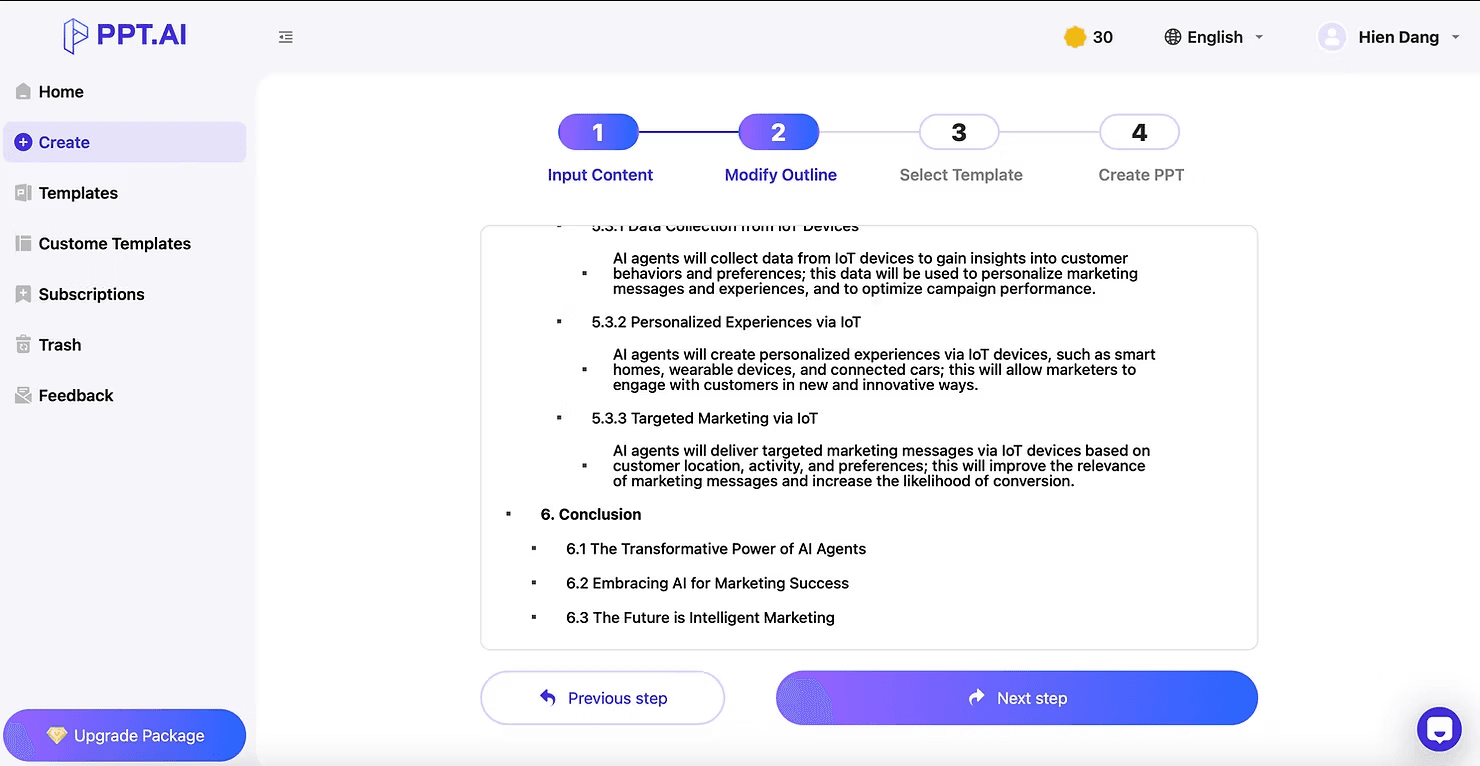
The workflow is simple. You provide input such as a prompt, outline, or document. The AI analyzes it and generates a structured presentation. You refine the slides, adjust visuals, rewrite text, and export your final deck. The entire process can take as little as ten minutes.
The 10 AI Presentation Tools You Should Know
Here is a more informative breakdown of each tool so your readers clearly understand their strengths and use cases.
Gamma transforms a simple outline into a full slide deck with clean and modern layouts.
Strengths
Generates full decks from prompts
Auto formatting keeps slides professional
Strong templates for pitch decks and reports
Best for Pitch decks, onboarding materials, workshop content, strategy presentations
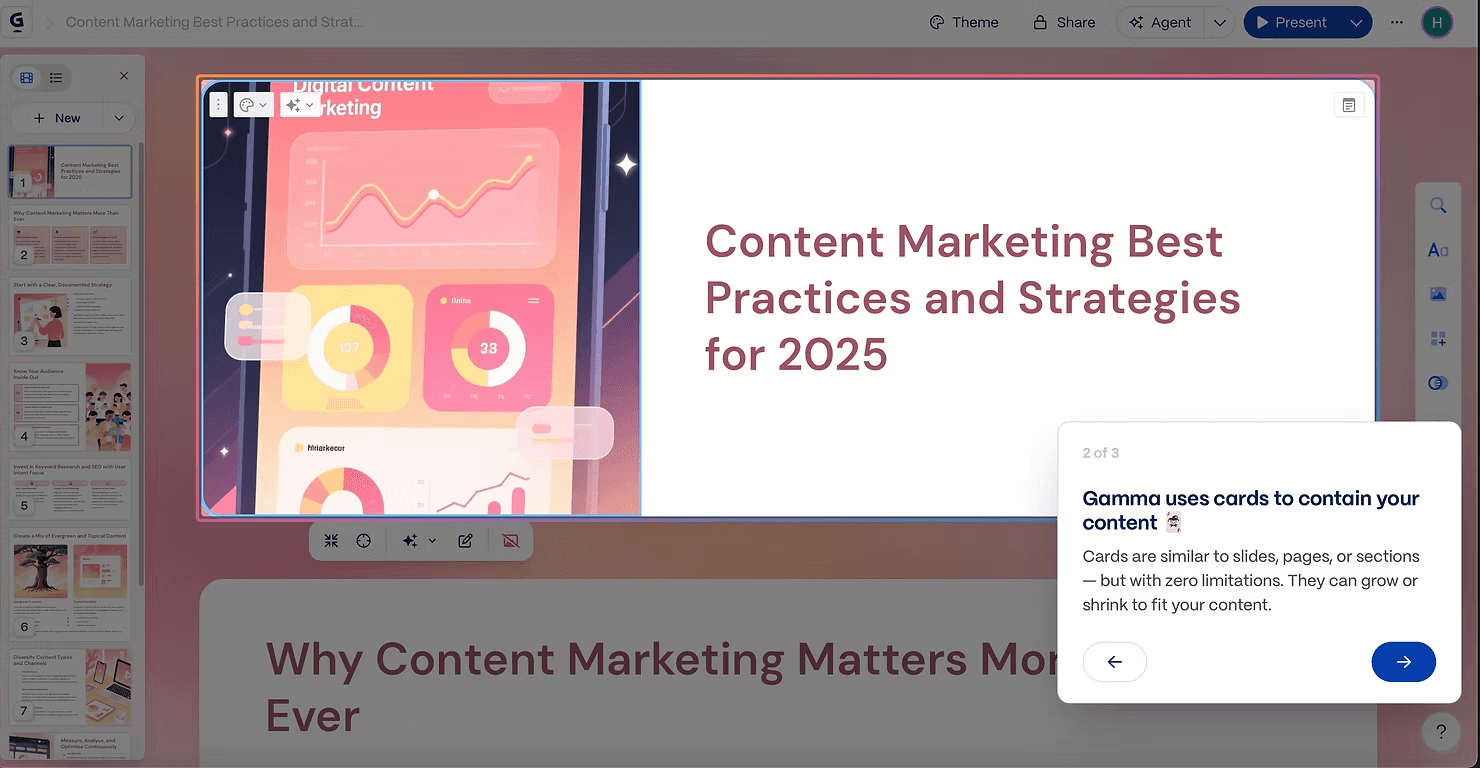
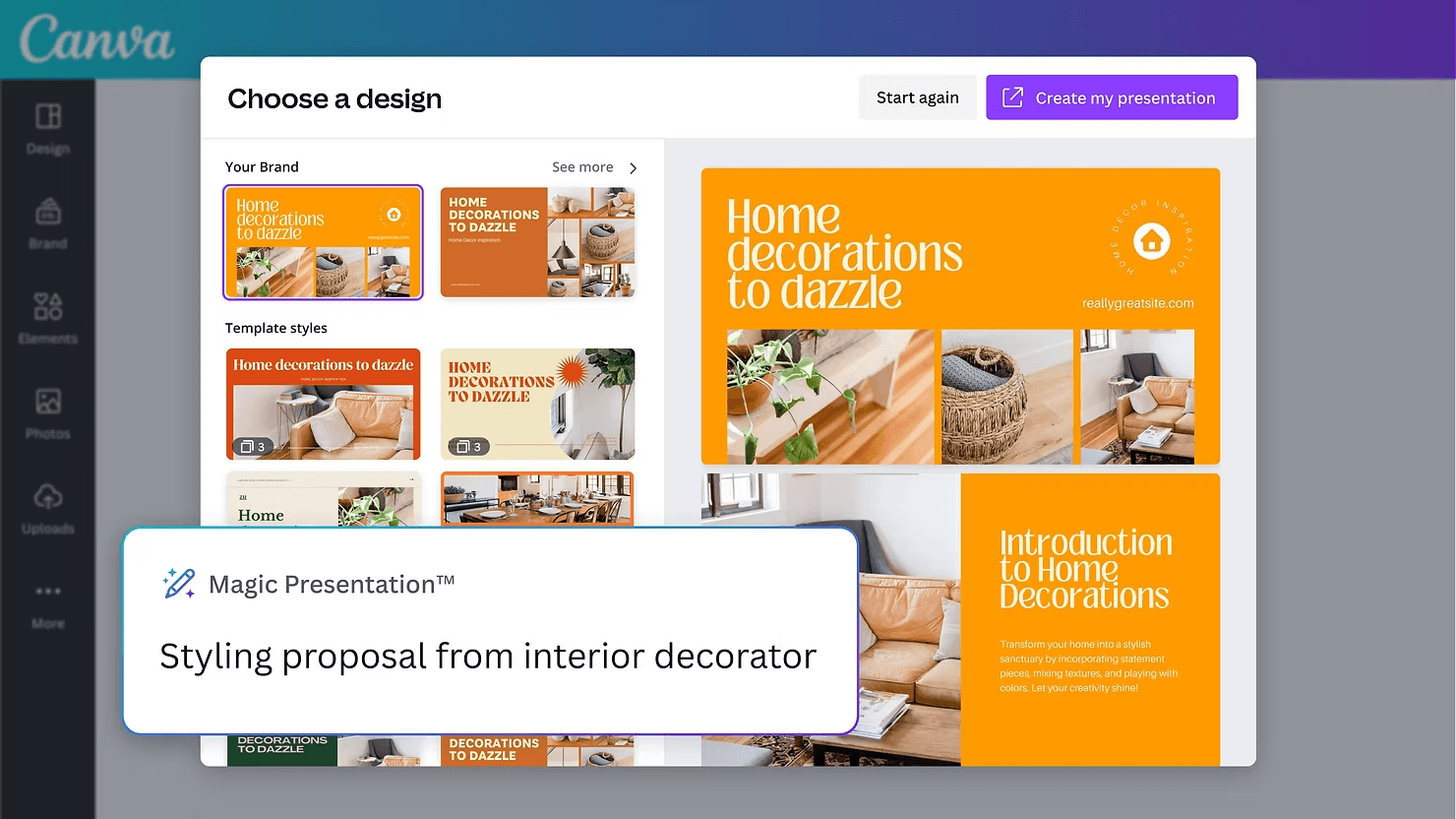
Canva’s AI helps you build slides instantly, and you can customize them using thousands of templates and design elements.
Strengths
Very easy to use for beginners
Huge asset library of icons, photos, charts
Great for branded social media visuals
Best for Marketing slides, training decks, social media content
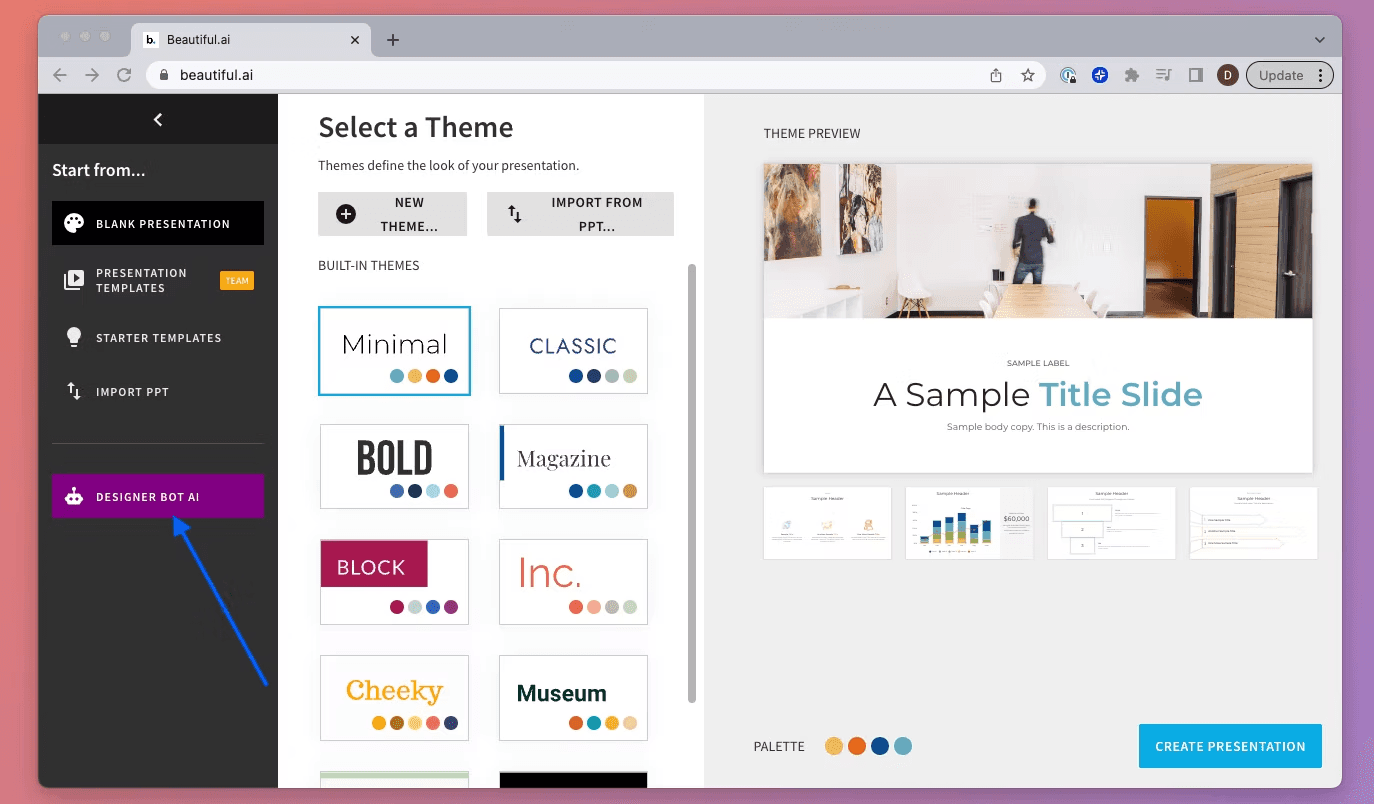
Beautiful focuses on business design. Its Smart Slides auto adjust content so everything stays aligned.
Strengths
Clean corporate design
Auto updates layouts when content changes
Strong analytics and team features
Best for Consulting reports, business reviews, internal updates
Tome builds story based presentations and generates visuals to support your narrative.
Strengths
Great for storytelling
Can generate images, charts, and mockups
Clean and minimal aesthetic
Best for Pitch narratives, product storytelling, educational content
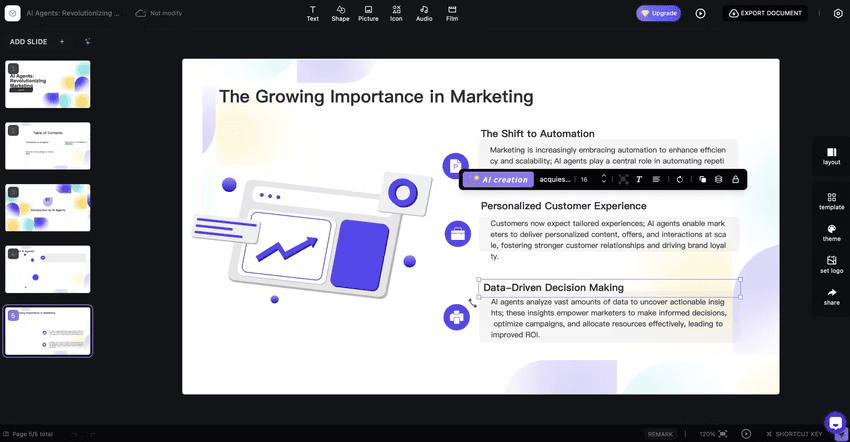
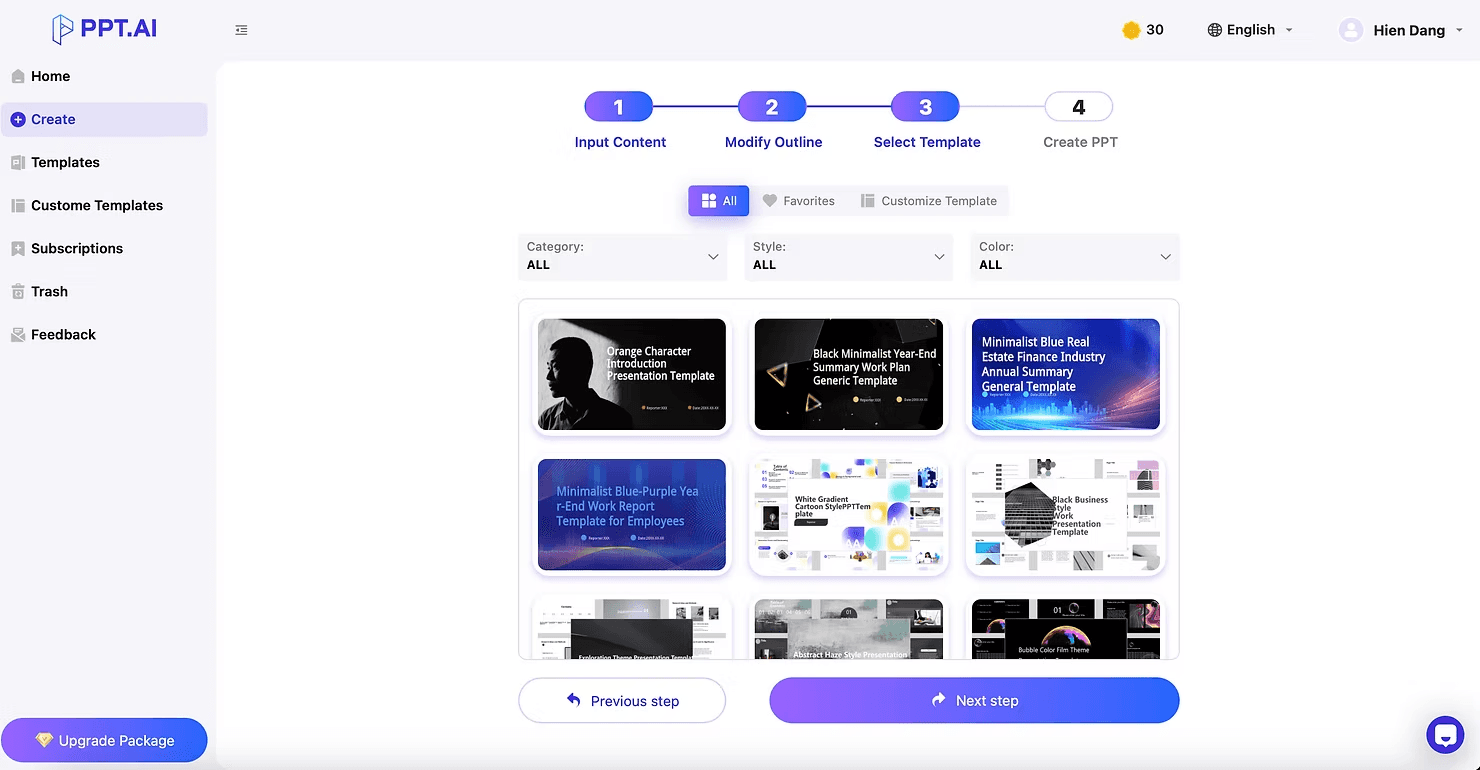
Pitch combines collaboration with AI design suggestions. It is built for teams that present regularly.
Strengths
Excellent for teamwork
Version history and commenting
Business ready templates
Best for Weekly updates, team presentations, OKR reviews
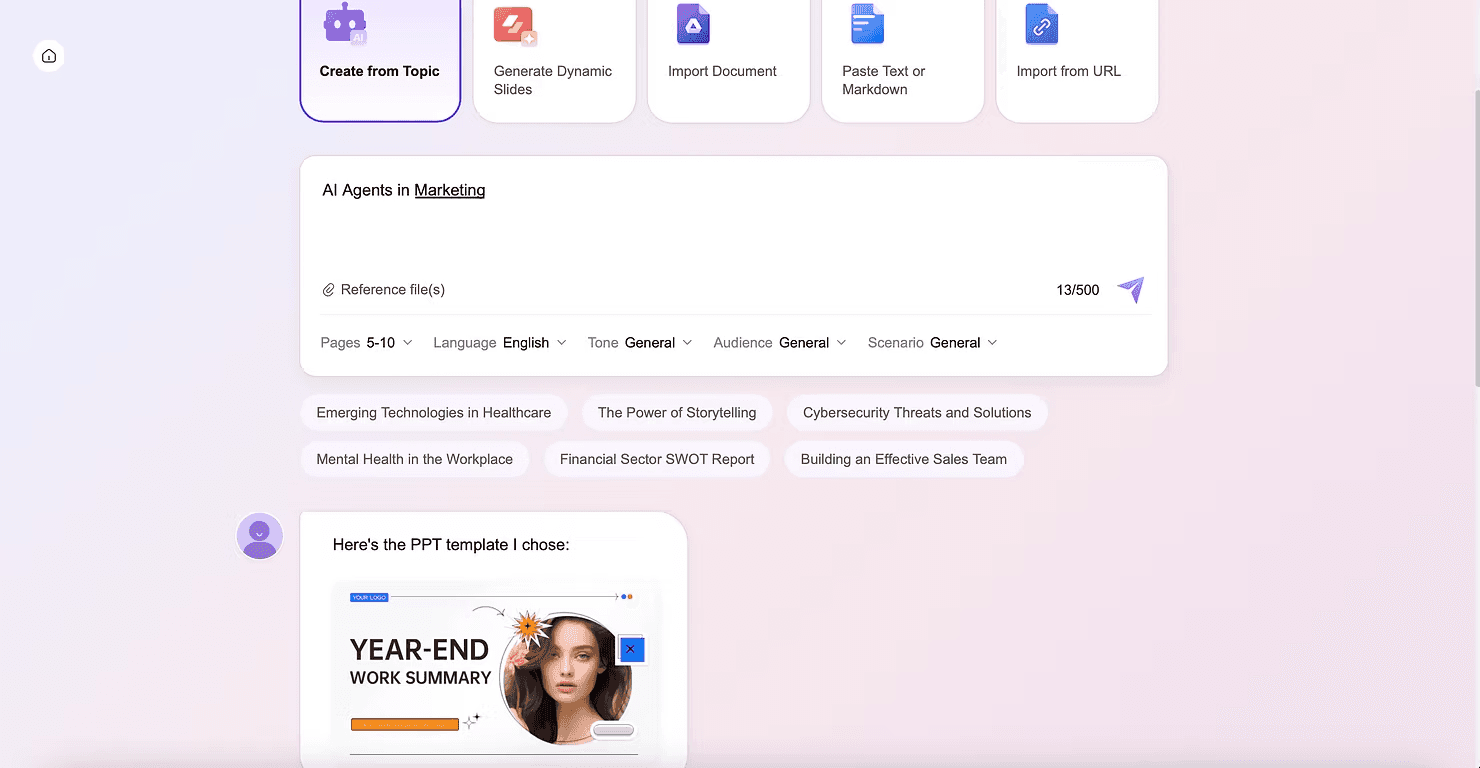
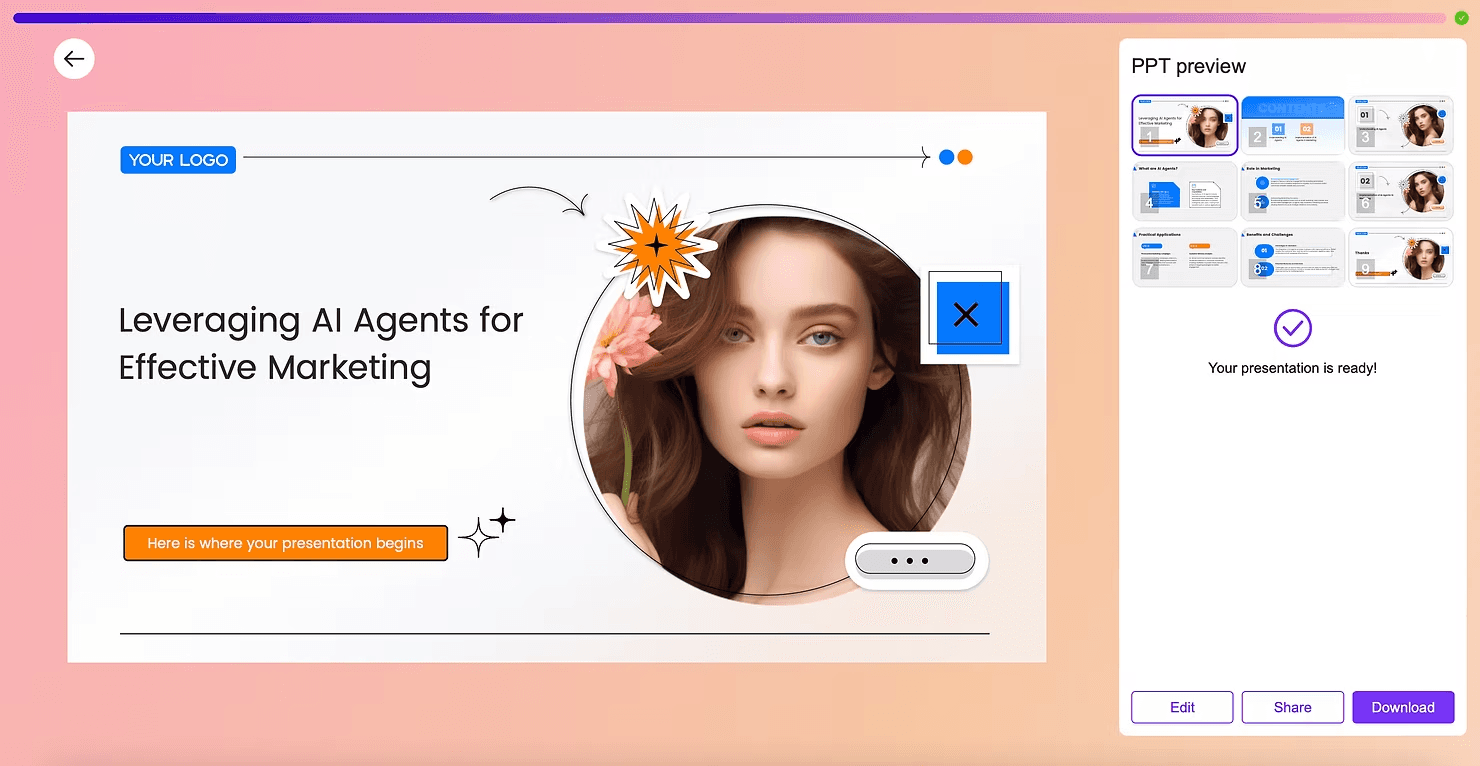
SlidesAI turns text into slides automatically. It is the fastest way to convert long content into a deck.
Strengths
Great for summarizing long documents
Helps simplify dense content
Exports easily to Google Slides
Best for Students, consultants, product managers
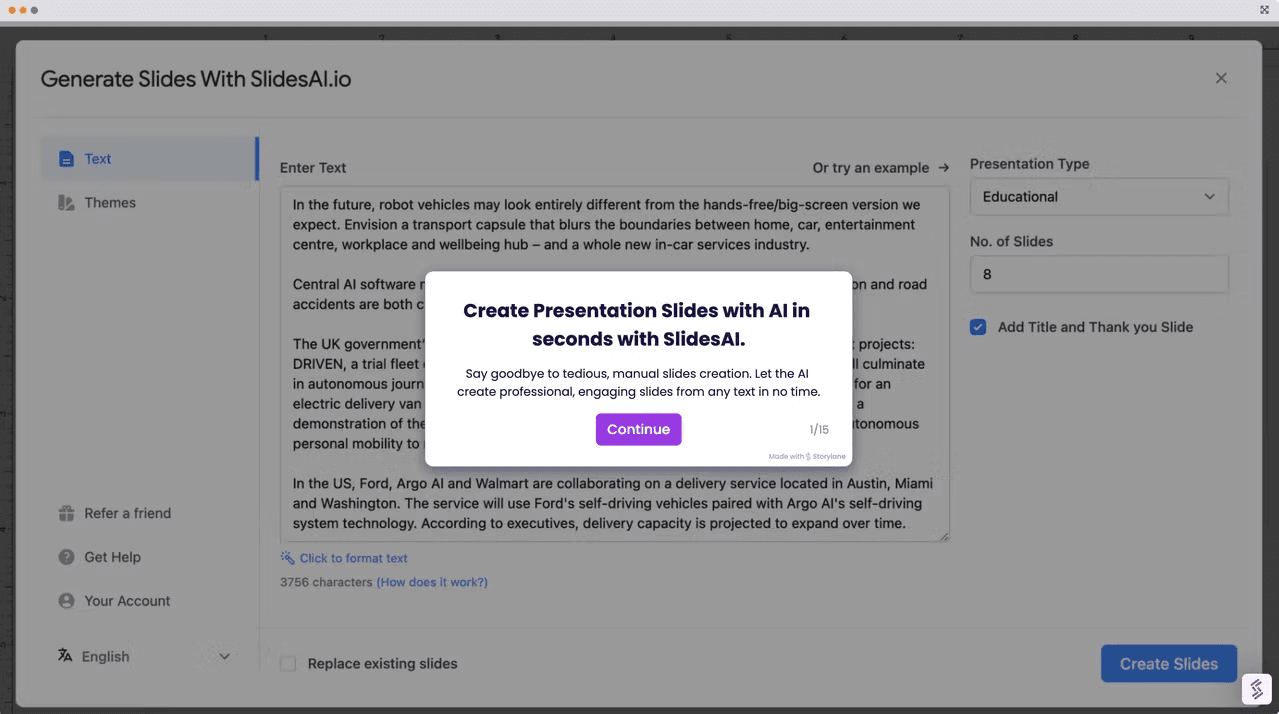
PowerPoint Copilot
Copilot brings AI directly into Microsoft PowerPoint, making it possible to generate outlines, slides, and rewritten content instantly.
Strengths
Works inside PowerPoint
Helps redesign messy slides
Writes speaker notes and summaries
How to add Copilot to PowerPoint
Update your Office apps Open PowerPoint, go to File, then Account, and click Update Now.
Sign in with your Microsoft 365 account Eligible plans include Personal, Family, Business Standard, and Business Premium.
Look for the Copilot spark icon on the ribbon
Open the Copilot panel Start generating slides, rewriting content, and applying design suggestions.
Best for Corporate teams who already use Microsoft 365
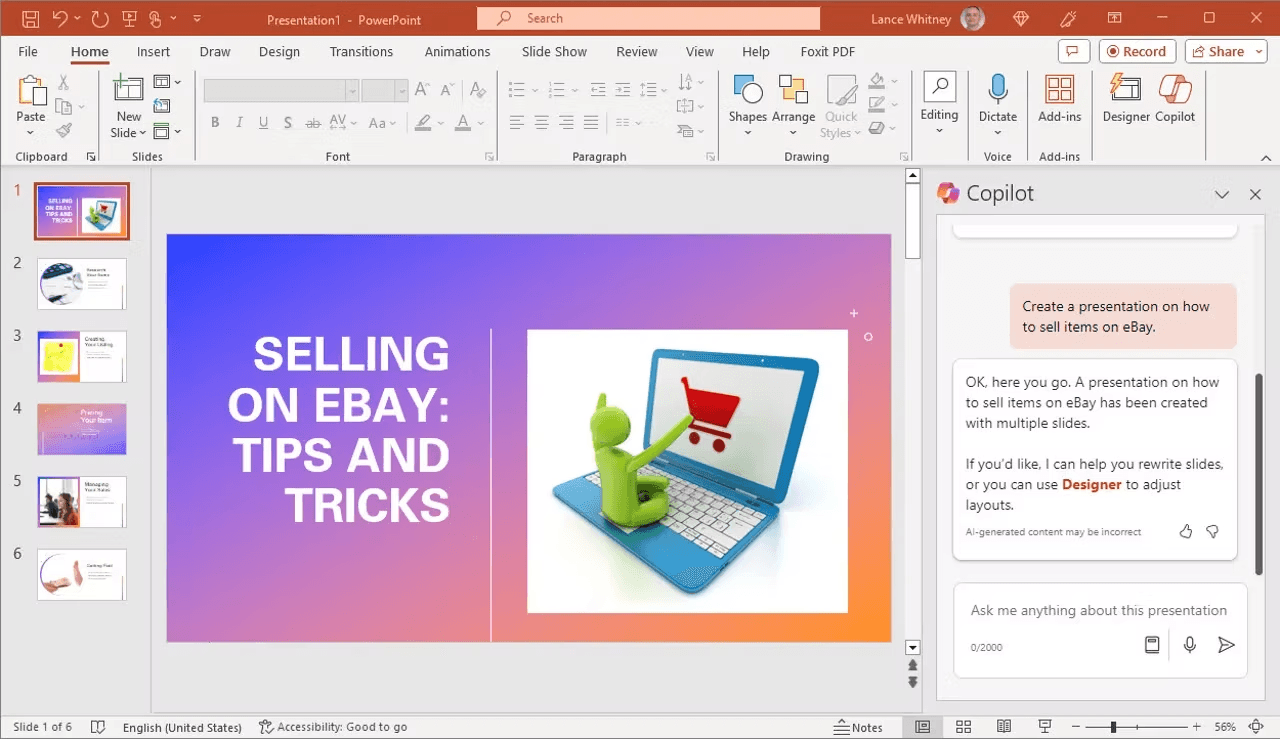
DesignScape analyzes your content and suggests layout improvements automatically.
Strengths
Smart spacing and color suggestions
Great for visual heavy slides
Easy to use with branded content
Best for Marketers, brand designers, project presentations
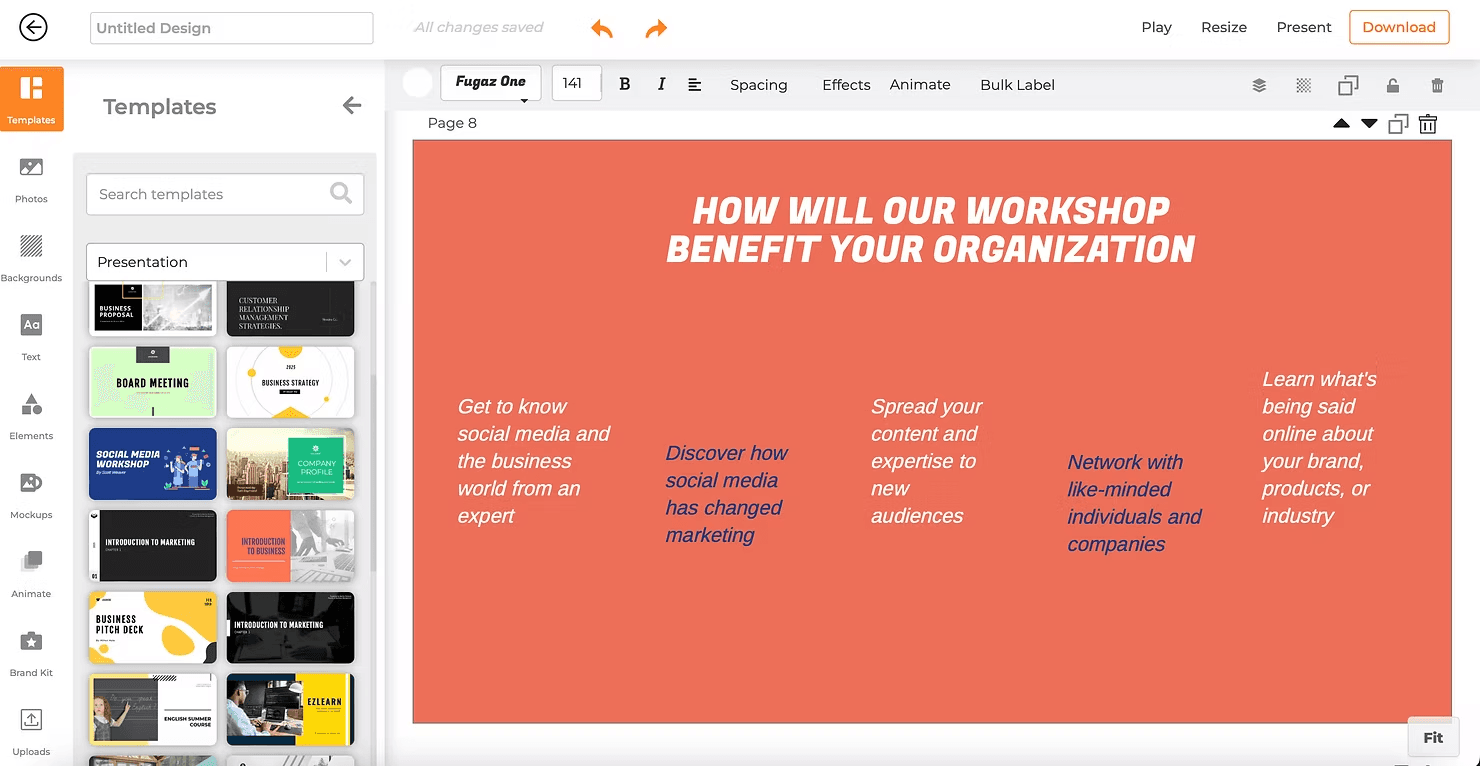
Simplified offers fast slide creation with AI assisted writing and design.
Strengths
Very fast for quick presentations
Easy suite of design tools
Social first layouts
Best for Creators, educators, small businesses
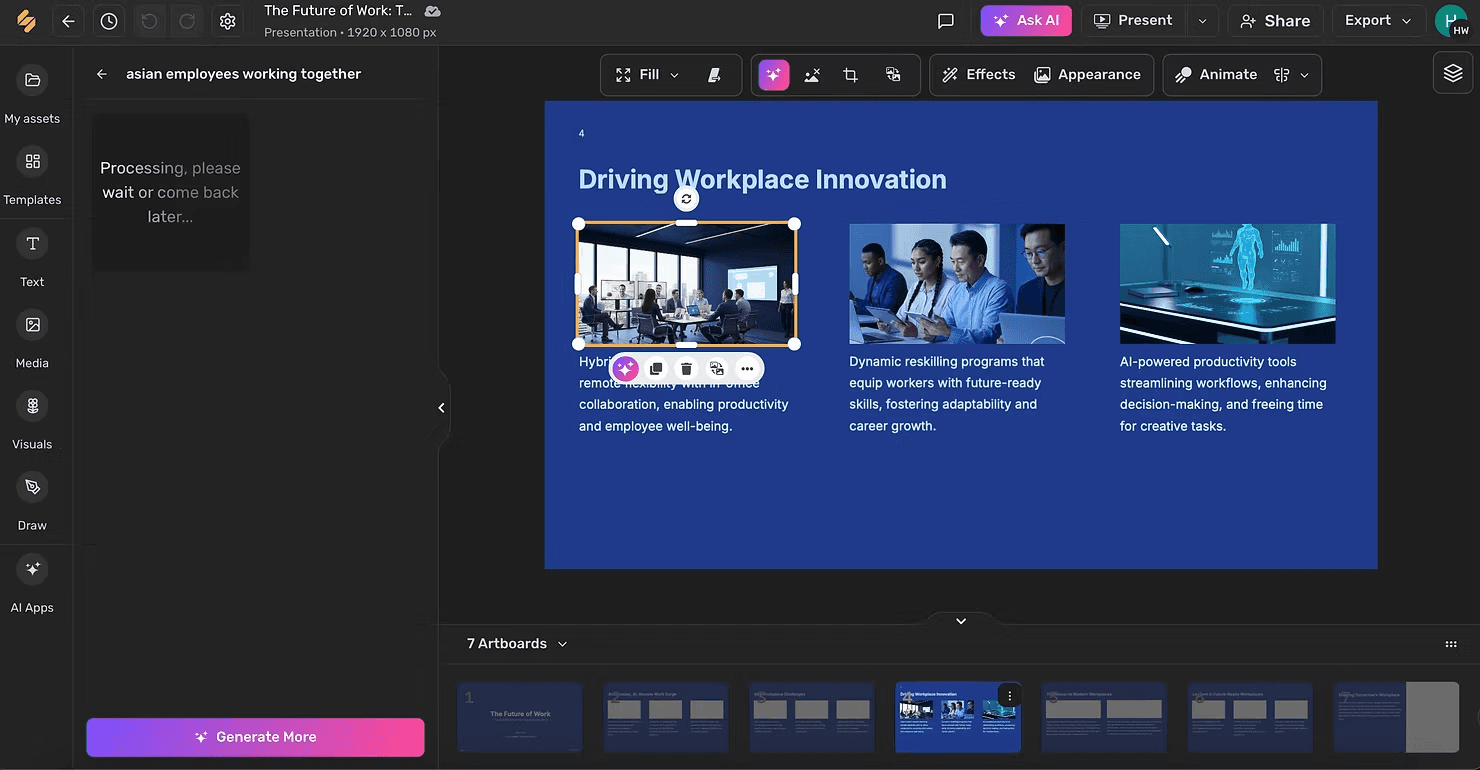
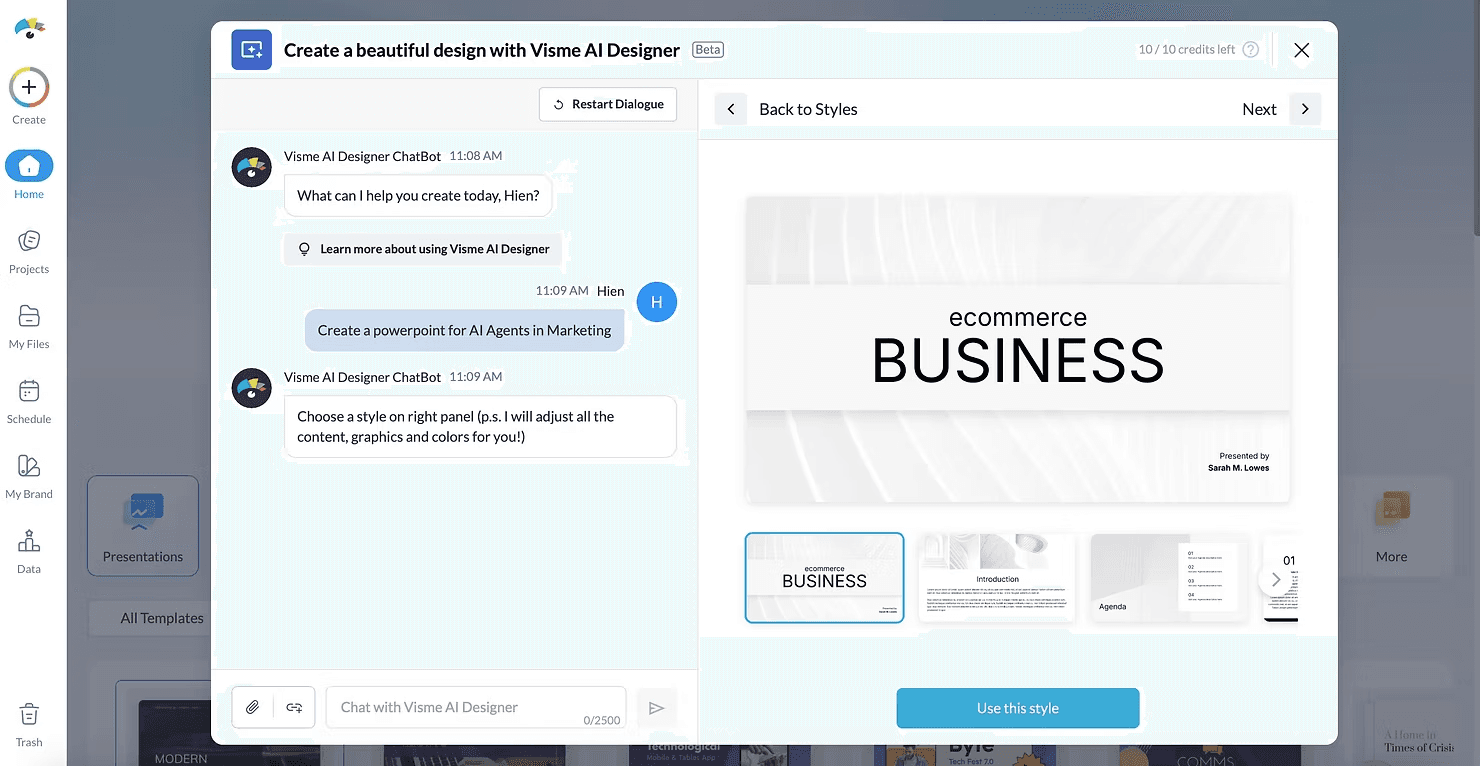
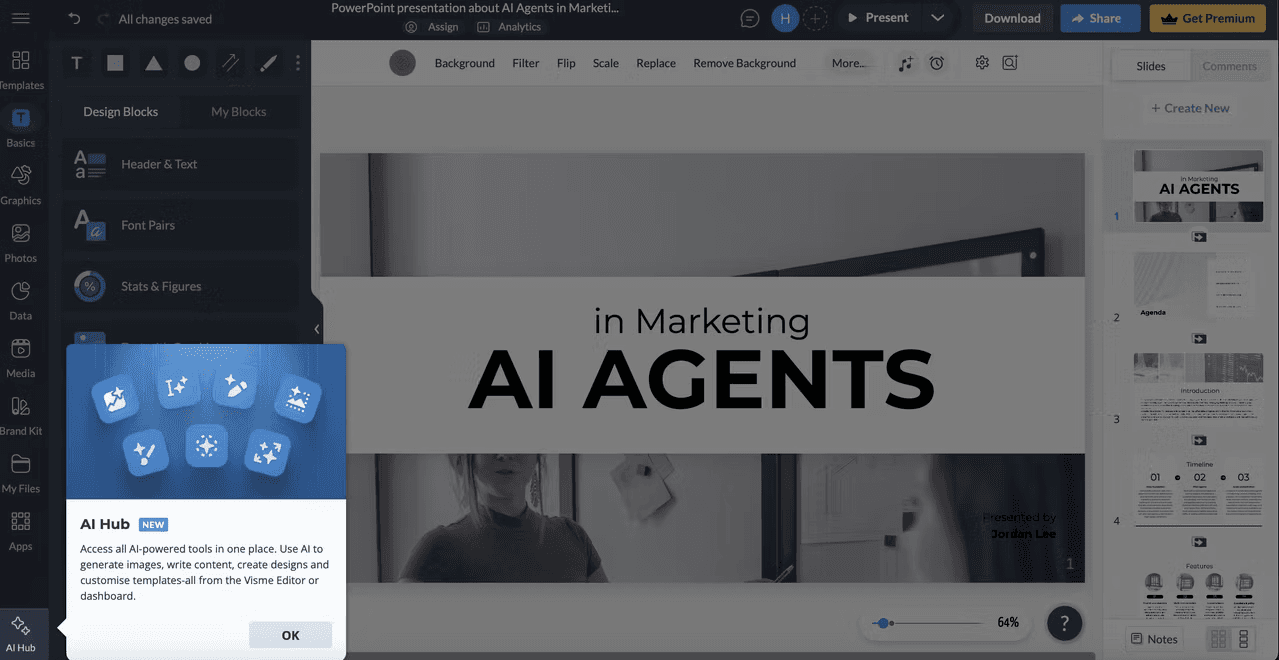
Visme is known for infographics and data storytelling. Its AI converts text into charts, icons, and diagrams.
Strengths
Strong for visualizing data
Advanced infographic templates
Great for dashboards and analytical content
Best for Analysts, consultants, educators
Real Use Cases for AI Officers
Here are five scenarios where an AI Officer or working professional would benefit from using AI-powered presentation tools:
Onboarding new team members on AI workflows.
You need to create a training deck that explains how your team uses AI tools across different functions. Instead of building slides from scratch, you use an AI presentation tool to turn your internal documentation into a clean, visual onboarding guide.
Pitching an AI implementation plan to leadership
You have been asked to present a roadmap for integrating AI into customer support operations. You use an AI tool to structure your talking points into a professional deck with clear timelines, cost breakdowns, and expected outcomes.
Presenting weekly progress reports.
Your role requires regular updates to stakeholders. Instead of manually reformatting the same slide template every week, you paste your notes into an AI tool that generates a consistent, polished update deck in minutes.
Creating educational content for clients or internal teams.
As a consultant or educator, you often need to explain complex concepts in simple terms. AI presentation tools help you turn written explanations into visual storytelling with diagrams, icons, and clear hierarchies.
Building case studies or portfolio decks.
When you need to showcase past projects or results, AI tools can help you transform raw data and project notes into compelling visual narratives that communicate impact clearly.
Strengths
Saves hours of manual design
Reduces cognitive load and blank screen fear
Makes teamwork easier
Free tiers allow anyone to start
Limitations
Some outputs feel generic and need refinement
Branding control can be limited
Free versions sometimes cap exports or templates
Collaboration quality varies by platform
How To Get Started in Under 10 Minutes
Choose a platform that fits your goal
Sign up for a free account
Input your idea or outline
Let the AI generate a draft
Edit and improve the content
Export or share your presentation
Who These Tools Are Best For
Product managers communicating roadmaps
Consultants building client deliverables
Marketers creating campaign presentations
AI Officers explaining workflows and change initiatives
Students and educators building visual learning content
Final Verdict
AI presentation tools are not about replacing creativity. They are about removing friction between your ideas and how you communicate them. In a world where clarity is a competitive advantage, these platforms help you work faster, think better, and share ideas with confidence.
For AI Officers and professionals who want to work smarter, these tools are worth exploring. They fit naturally into modern workflows, support collaboration, and make high quality communication accessible to everyone.
Join Our AI Officer Community
Join our AI Officer Community to learn how to apply tools like this in your work, get weekly hands on guides, and attend our live micro sessions.