By 2026, dictation is no longer a novelty. It has quietly become a reliable input layer for serious work.
AI dictation tools have existed for years, but only recently have advances in large language models and speech-to-text systems made them accurate enough to trust at scale. Today’s tools do far more than convert speech to text. They preserve context, format output intelligently, remove filler, adapt tone, and fit into real professional workflows.
For AI Officers and operators, this matters because dictation is no longer about convenience. It is about compressing thinking into output faster, especially when writing, coding, planning, or synthesizing information across long days.
Below is a practical breakdown of the dictation tools that actually stand out in 2026, followed by guidance on how and where they fit into real work.
The Best AI Dictation Tools in 2026
Not all dictation tools solve the same problem. The strongest tools in 2026 optimize for different priorities: structure, privacy, speed, or workflow integration.
Wispr Flow: Best for structured professional writing and tone control
Willow: Best for rapid draft expansion with a privacy-first approach
Monologue: Best for fully on-device, private dictation workflows
Superwhisper: Best for power users, custom models, and mixed media
VoiceTypr: Best offline option with a one-time license
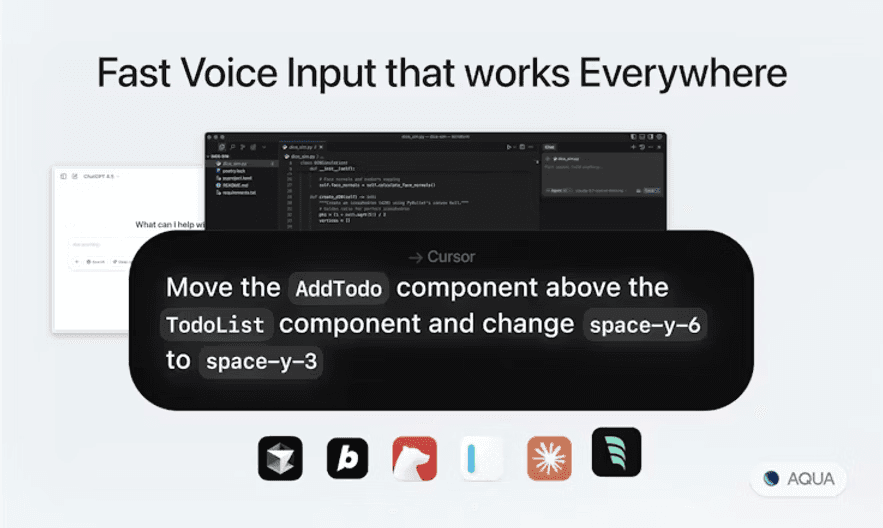
Aqua: Best for low-latency dictation and text automation
Typeless: Best high-volume free tier for experimentation
Each tool serves a different role. The sections below explain why dictation now works, how these tools function, and which one fits your workflow best.
What These Tools Are Designed To Solve
Most professionals face a familiar bottleneck: the gap between how fast we think and how fast we can type.
Whether drafting emails, documenting meetings, writing code comments, or building briefs, typing becomes a limiting factor. Dictation promises speed, but speed alone is not enough. Raw transcription has always required heavy cleanup, which erased most productivity gains.
Modern AI dictation tools solve a deeper problem. They turn speech into usable output. They preserve intent, reduce cognitive friction, and adapt to context. Instead of dictation being something you fix later, it becomes something you trust in the moment.
The real challenge these tools solve is not transcription accuracy. It is making dictation intelligent enough for professional work.
Key Capabilities That Make Dictation Usable in 2026
The best tools share several characteristics that separate them from earlier generations.
Tone Control: Many tools allow you to adjust output tone depending on context. The same spoken idea can become a formal email, a casual Slack message, or a structured document without rewriting.
Custom Vocabulary: Professional dictation requires support for product names, technical jargon, acronyms, and even code variables. Tools that learn your language are the ones that stick.
Privacy and Local Processing: Some tools process speech locally or allow opt-out from model training. This matters for regulated industries, client work, and sensitive internal discussions.
Draft Expansion: Modern dictation can turn short phrases into complete paragraphs. This transforms dictation from transcription into drafting.
Multi-App Awareness: The strongest tools recognize where you are writing and adjust formatting accordingly, email, notes, code editor, or messaging app.
How AI Dictation Tools Work
At a high level, most tools follow a similar pipeline:
You activate dictation using a hotkey or always-on mode
Speech is captured and converted into text using a speech-to-text model
The raw transcript is optionally refined using a language model
Filler words are removed, structure is applied, tone is adjusted
The final output is inserted directly into the active application
Some tools show both raw and processed text for verification. Others prioritize speed and insert text immediately. The architecture differs, but the goal is the same: reduce friction between thought and draft.
Real Use Cases for AI Officers
Drafting Weekly Updates While Moving: An AI Officer dictates a weekly status update between meetings. The tool formats it into bullet points and inserts it directly into a shared doc.
Capturing Client Call Takeaways: A consultant finishes a call and immediately dictates key insights and action items. The output is structured into a client-ready brief.
Writing Code Comments Without Breaking Flow: An engineer uses dictation to add inline documentation while coding. Variable names and file paths are preserved accurately.
Expanding Rough Ideas Into Proposals: A product manager dictates a rough feature concept. The tool expands it into a structured paragraph ready for review.
Creating Training Content Quickly: An AI Officer dictates lesson summaries and FAQs for internal upskilling. The tool adjusts tone based on audience and outputs usable content.
Strengths of Modern Dictation Tools
Natural speech works without robotic pacing
Post-editing time is minimal
Tools integrate into existing workflows
Privacy controls are clearer and stronger
Output quality aligns with professional standards
Limitations to Be Aware Of
Free tiers are often capped
Advanced tools may require technical comfort
Formatting can vary by app and OS
Multilingual support is uneven
Feature-rich tools come with learning curves
Dictation works best when treated as a skill, not a magic switch.
How To Get Started in Under 10 Minutes
Pick one tool based on your priority (privacy, speed, structure)
Install and complete onboarding
Test on a low-stakes task (email or note)
Speak naturally, do not over-enunciate
Review output and adjust settings
Repeat daily for one week
Comfort builds quickly. So does trust.
Who These Tools Are Best For
These tools are especially valuable for:
AI Officers documenting workflows and training materials
Consultants capturing insights across calls and proposals
Product Managers drafting specs and roadmaps
Marketers producing briefs and messaging frameworks
Engineers writing documentation and comments
If your work involves turning ideas into structured text repeatedly, dictation becomes a compounding advantage.
Tool Breakdown: When to Use Each One
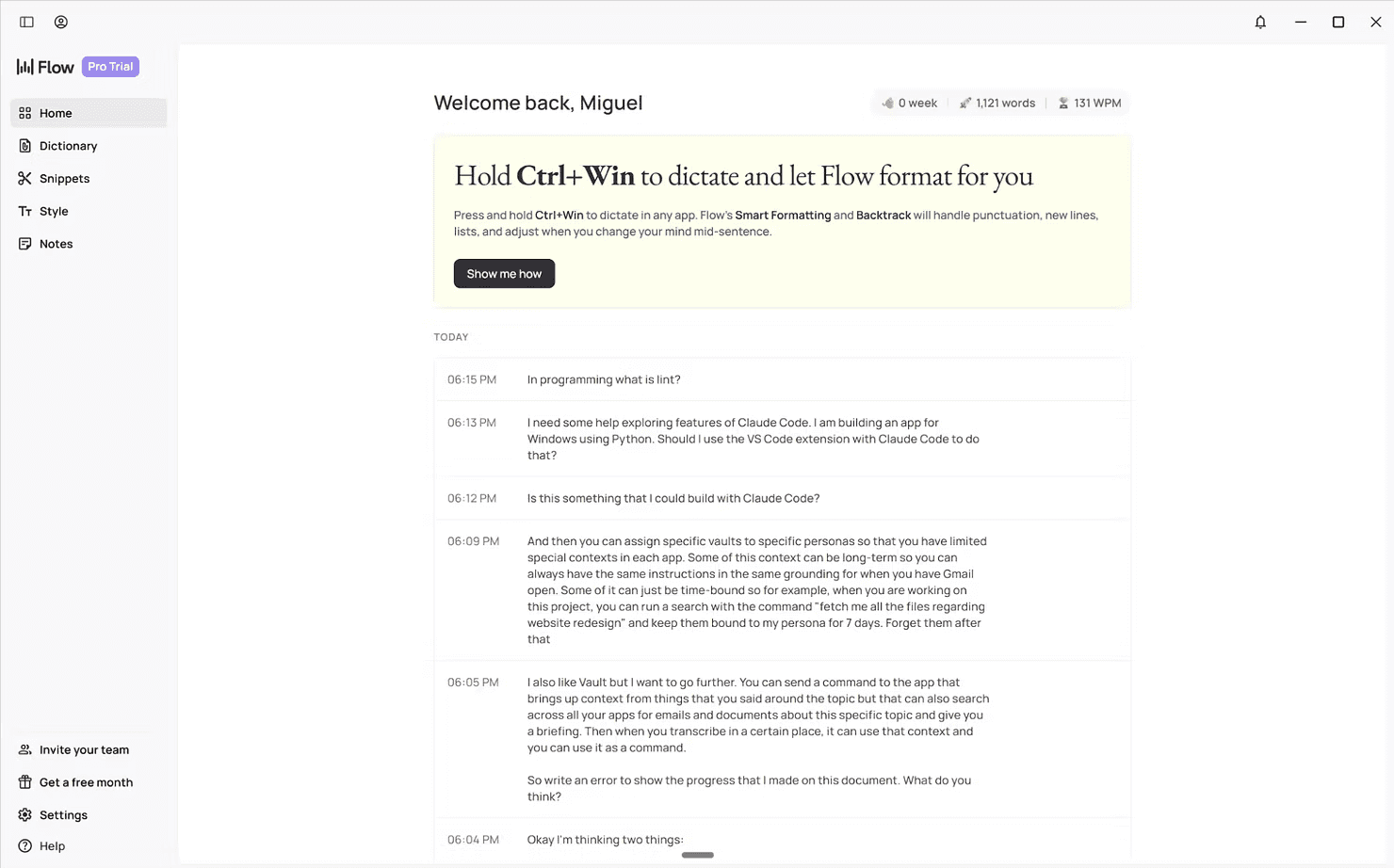
Wispr Flow: Best for Structured Professional Writing
Strong tone control, custom vocabulary, and coding awareness make this ideal for executives and operators.
Best for: emails, briefs, structured docs
Watch-out: limited free tier
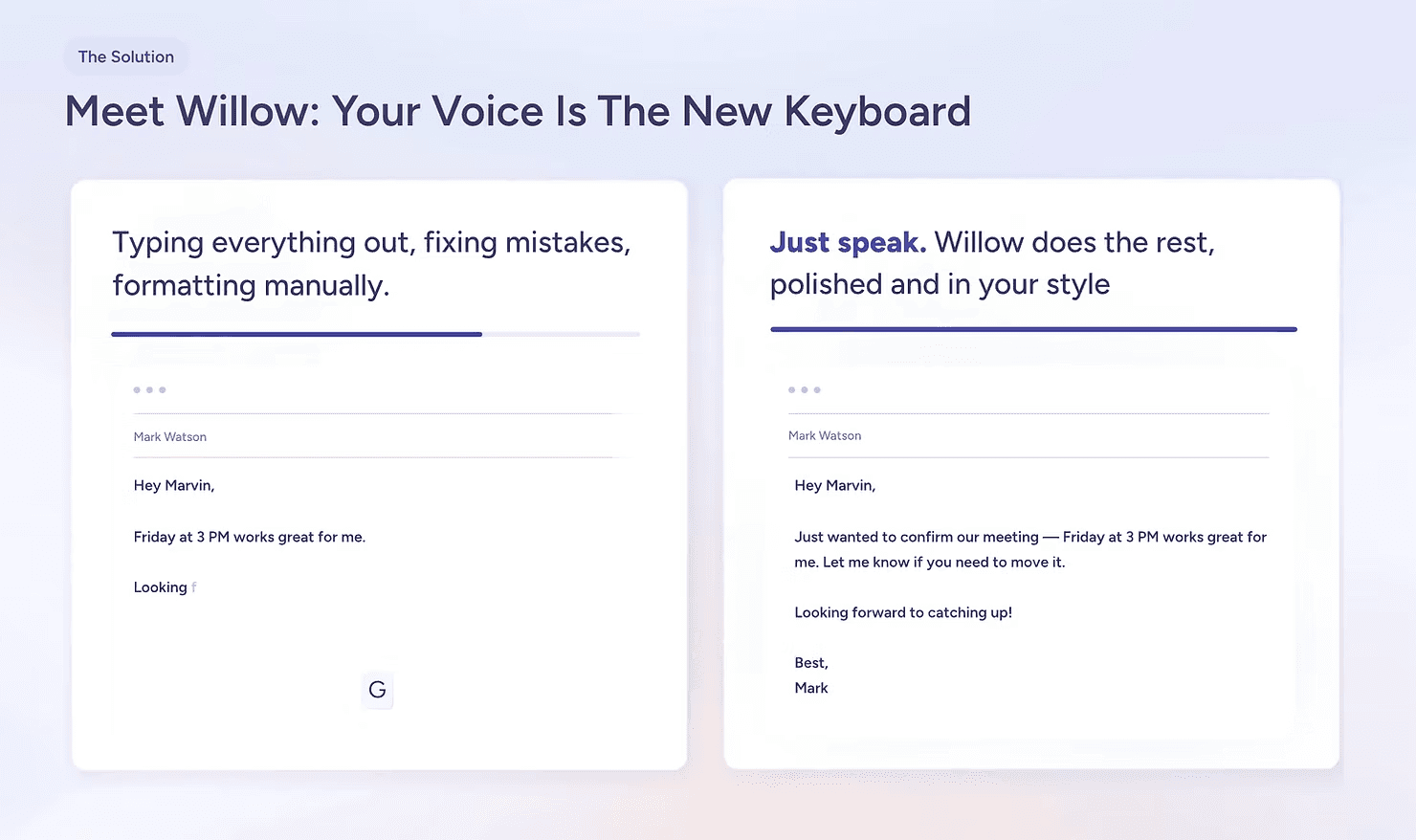
Willow: Best for Draft Expansion and Privacy
Excellent for turning short dictation into full paragraphs with local storage.
Best for: fast drafting, privacy-sensitive work
Watch-out: less granular formatting control
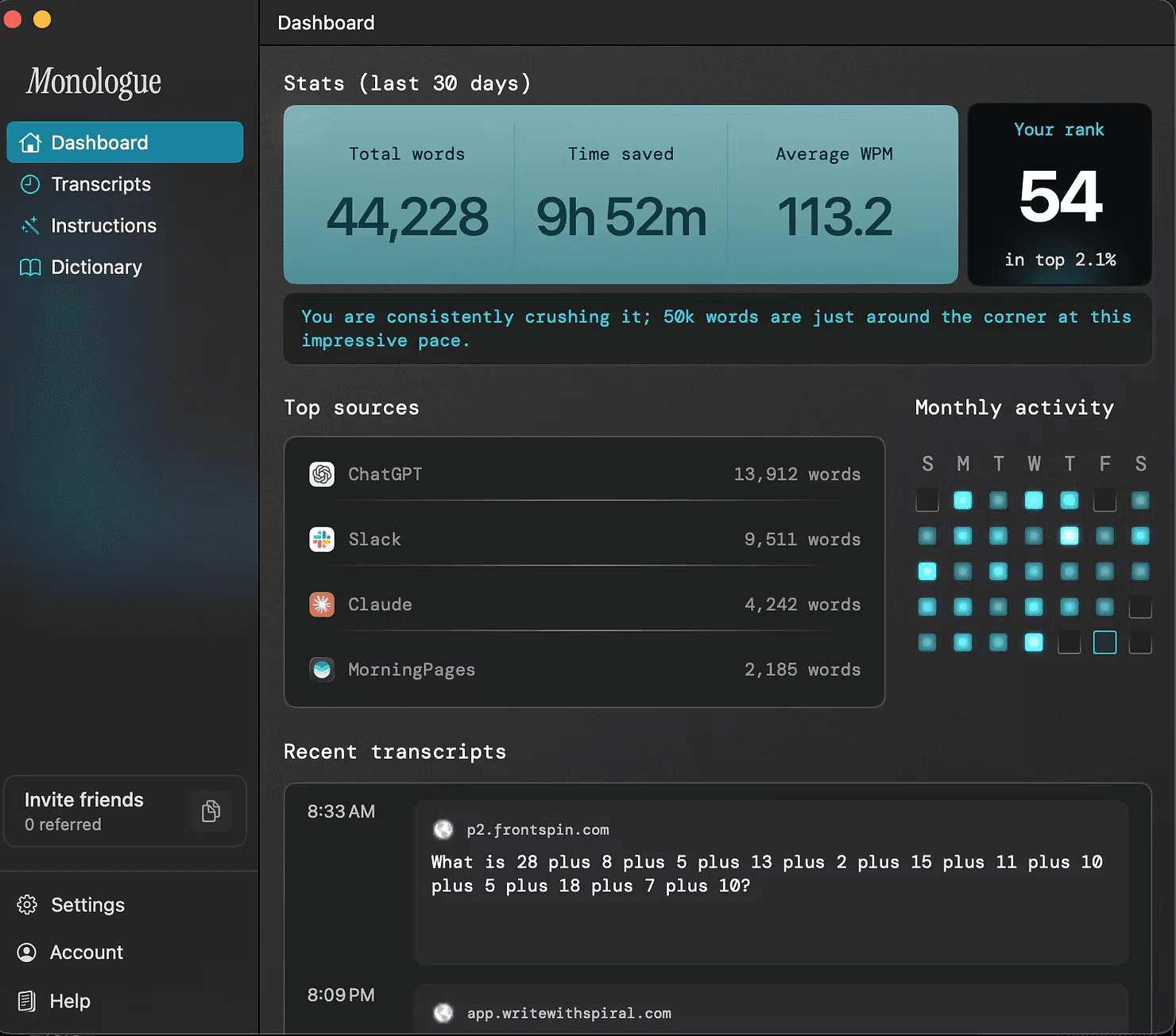
Monologue: Best for Fully Local Workflows
Runs models on-device with app-aware tone adjustment.
Best for: security-conscious teams
Watch-out: more setup required
Superwhisper: Best for Power Users
Supports multiple models, audio/video transcription, and custom prompts.
Best for: researchers, multilingual workflows
Watch-out: learning curve
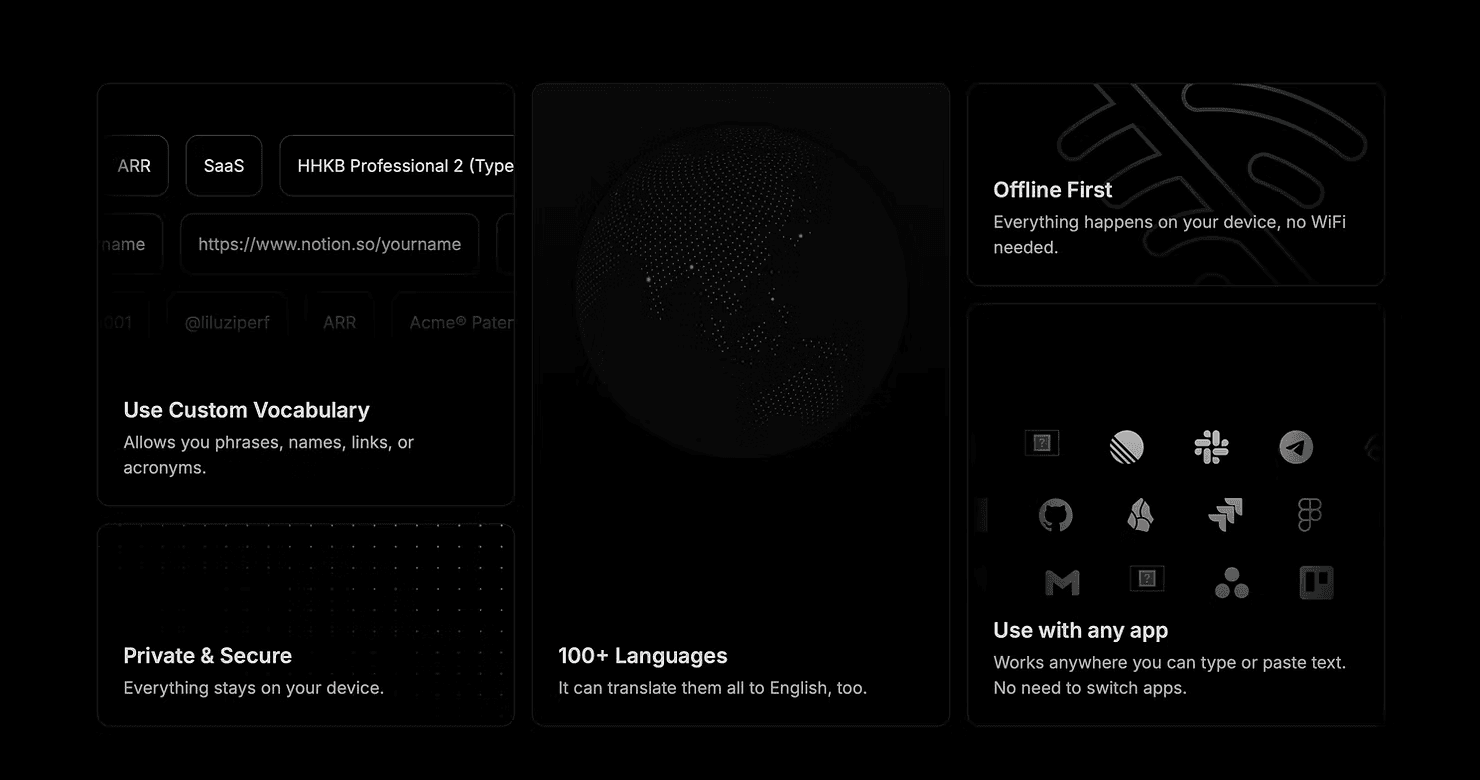
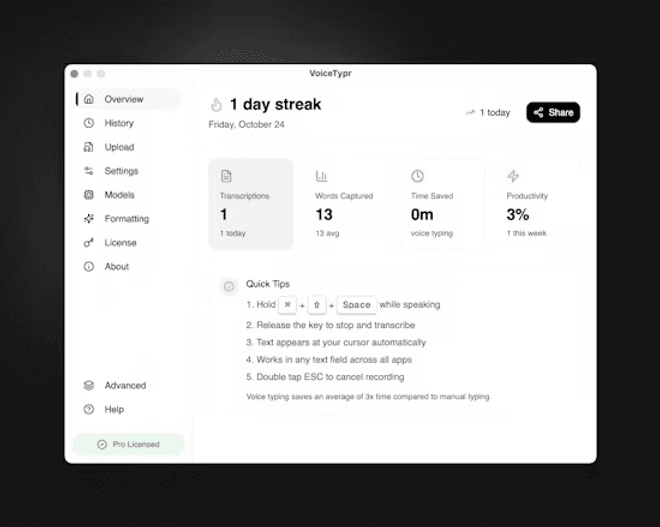
VoiceTypr: Best Offline, One-Time Purchase
Local-first with broad language support and lifetime licensing.
Best for: teams avoiding subscriptions
Watch-out: fewer automation features
Aqua: Best for Speed and Text Automation
Low latency with command-based autofill and API access.
Best for: repetitive text workflows
Watch-out: smaller ecosystem
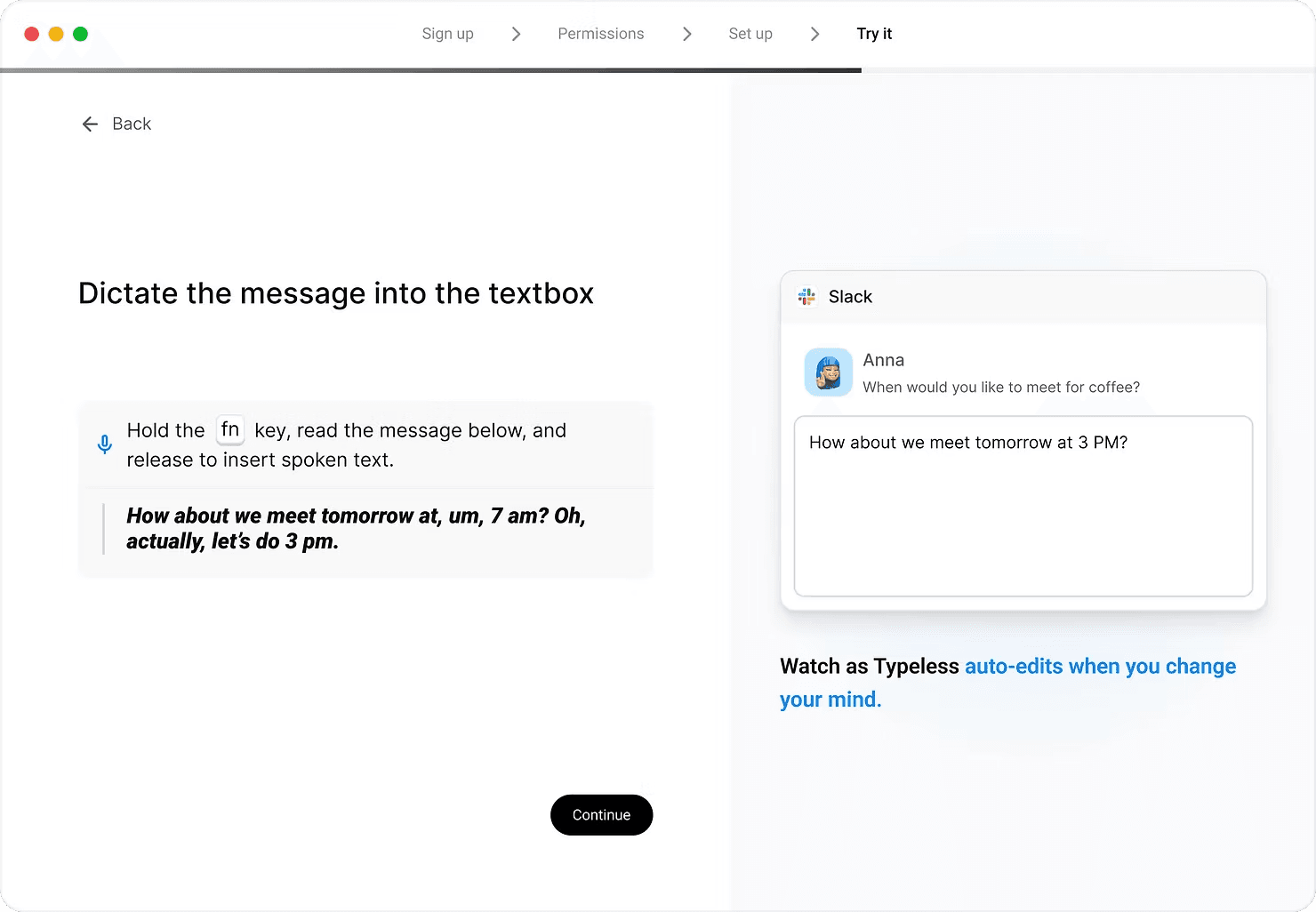
Typeless: Best High-Volume Free Tier
Generous limits and privacy-forward positioning.
Best for: experimentation and heavy free usage
Watch-out: desktop-only
Final Verdict
In 2026, AI dictation is no longer experimental. It is accurate, reliable, and ready for daily professional use.
The real value is not replacing typing. It is having an alternative input mode when typing slows you down. Dictation works best when you are thinking out loud, moving between tasks, or drafting quickly.
For AI Officers building scalable workflows, dictation is not a nice-to-have. It is a foundational skill that reduces friction between thought and output.
The tools are ready. The models work. The remaining question is whether you build the habit.
Join the AI Officer Community to learn how to apply tools like this in real workflows, get weekly hands-on guides, and attend live micro sessions.